Pin your Claude Code, Codex, Antigravity, Grok & Muse
quota to the menu bar.
A tiny menu bar app for macOS (and system tray app for Windows) that shows how much of your AI quota you’ve used and when it resets, so you see the wall before you hit it.
Windows app, or terminal-only uvx usage-cli → all install options
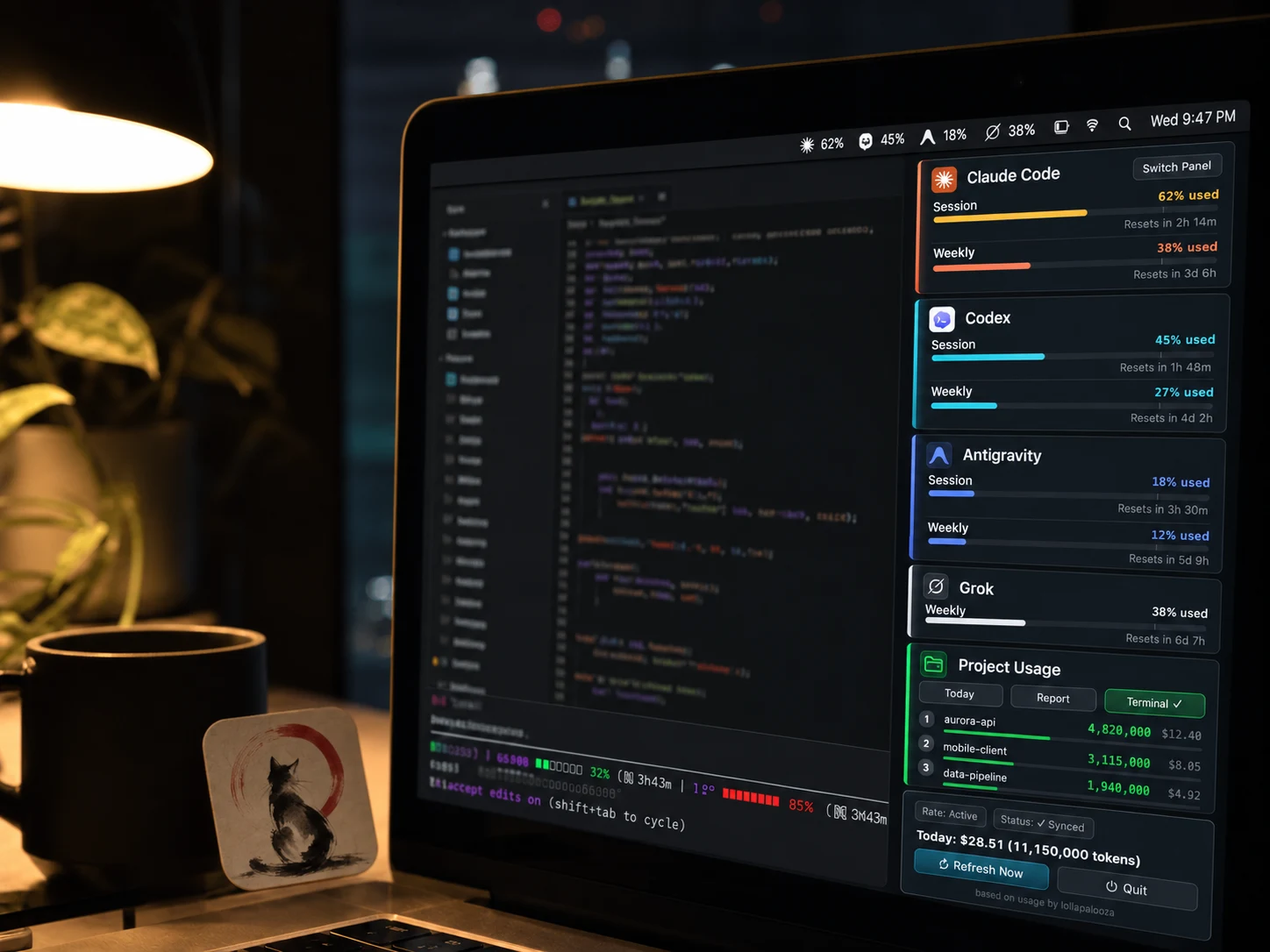
Built for developers who burn tokens.
Stop guessing if you’re about to hit the rate limit mid-refactor.
5-hour & 7-day quota at a glance
The macOS menu bar shows at most three tools with the highest Session usage, in Claude → Codex → Antigravity → Grok → Muse order; open the panel to see all tools and project costs.
Claude Code, Codex, Antigravity, Grok & Muse, one app
Track Anthropic, OpenAI, Google, xAI, and Meta quota side by side. Codex is auto-detected from ~/.codex/sessions/ with no setup; Antigravity uses the sign-in its own CLI already stores.
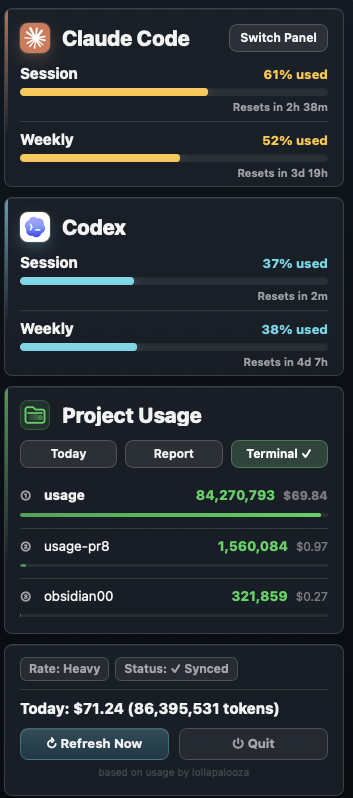
One-click HTML reports
Today, week, month, or all-time: get a shareable HTML report with token / cost trends, top projects, and model breakdown. Project names hide by default for client-safe sharing.
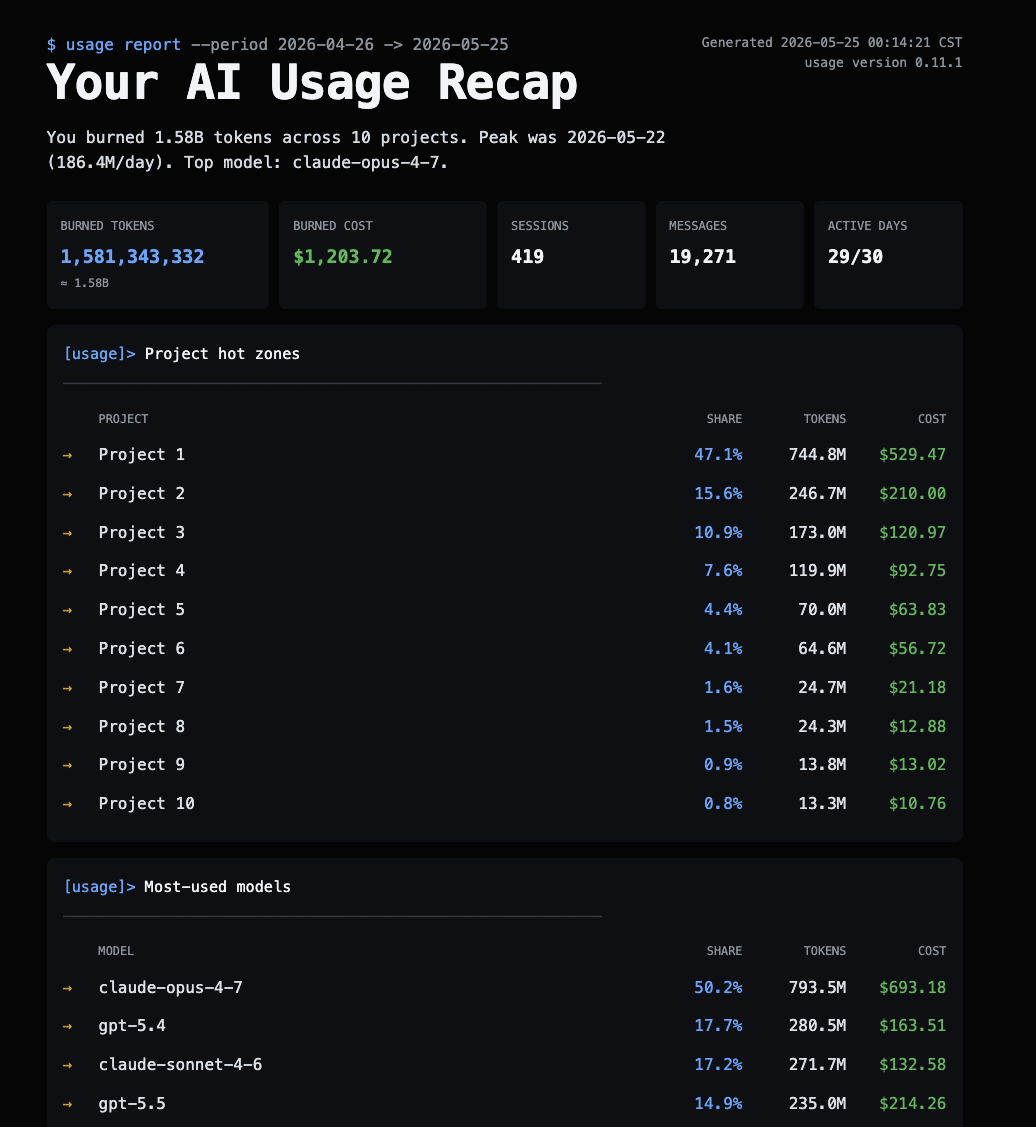
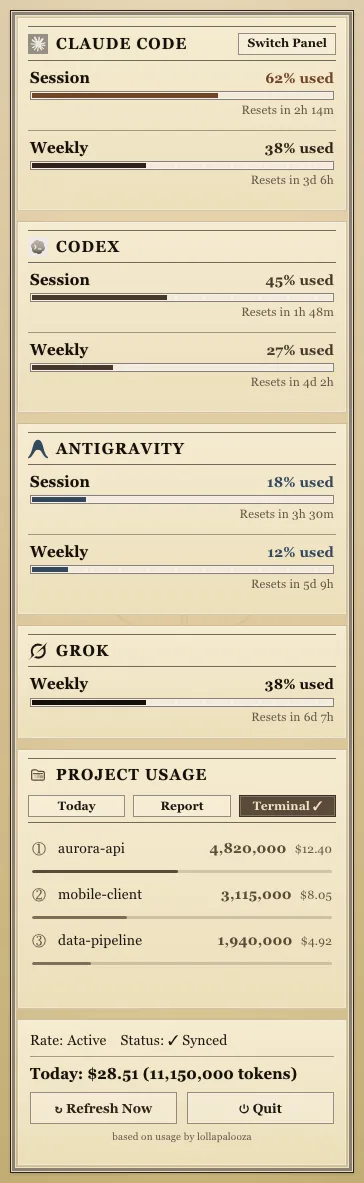
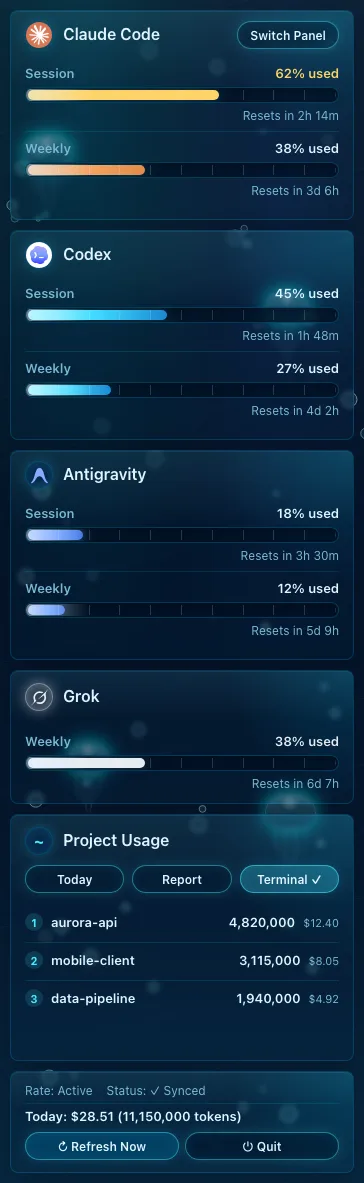
16 visual panel themes
Matrix digital rain, Windows 95, retro newspaper, midnight aquarium, World Cup FIFA HUD, Lepidoptera blueprint. Pick a mood for your menu bar pop-out. Four or more quota cards switch all cards to a compact layout; three or fewer keep the usual layout.
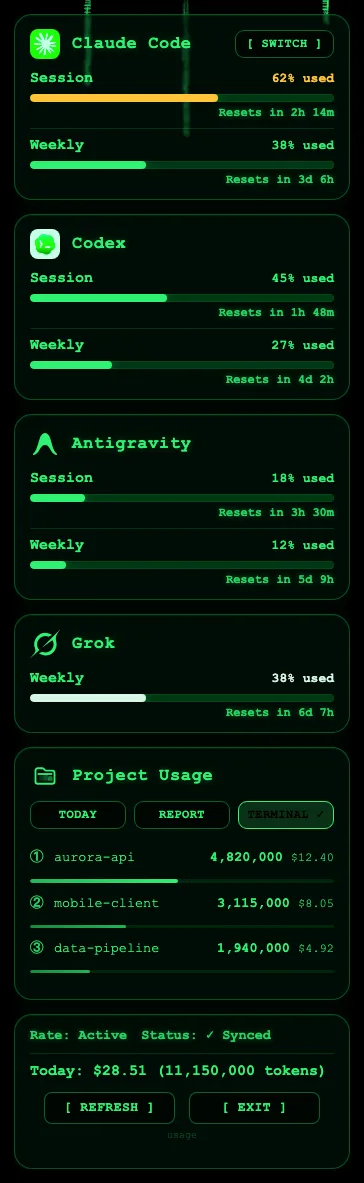
Claude Code helpers
Keeping an eye on quota and context while you code
Notifications before you hit the wall
At 70% context, the status line nudges you to /clear or /compact. The number turns yellow at 50% and red at 80%, and a missed prompt cache tells you why.
Token Saver
Claude Code and Codex answer shorter and plainer, and long chats don’t drift back to wordy. Code, commands and error messages stay byte-exact. In Codex, trust the hook in /hooks first.
Beginner Mode
After each answer, up to three terms show up above the input box with a one-line plain explanation. Terms you mark as understood come back later as a short quiz. Uses a little Claude quota.
Quota-Aware Mode
When quota runs low, Claude tells you what’s left and when it resets before starting anything big, so you can do a smaller piece or wait. Covers Claude Code, Codex, Antigravity and Muse, with no extra model calls.
Where the numbers come from
How usage reads each tool
Local-first by design
Claude Code, Codex, and Grok usage comes from local files; Claude Desktop alone is enough for Claude quota. Antigravity asks its own CLI first, with no model call, then falls back to Google with the CLI’s sign-in. Muse quota uses a small model call through its own signed-in CLI, connecting to Muse and using a little Muse quota. SECURITY.md
Grok CLI, too
Reads Grok CLI’s own local log to work out its weekly quota percentage. Each request’s tokens count toward today’s cost and project totals, just like Claude Code and Codex.
Muse Code quota
See Muse Code’s 5-hour and weekly quota with reset countdowns. A small background model call through Muse’s own signed-in CLI returns the quota, saved to ~/.usage/muse_quota.json; it connects to Muse and uses a little Muse quota.
Now your CLI picks up where you left off
The web and desktop apps keep your history automatically: close them, reopen, it’s all there. The CLI keeps it too, but you need to know the command to pull it back up. Resume makes that automatic: open a new session and it picks up where you left off, no command to remember, no re-explaining. It now also runs a daily health check on your logs. When it spots token waste, the handoff adds a one-line heads-up; type “show me” in Claude Code for the findings and fixes. Reads local files.

Your quota, right inside Claude Code
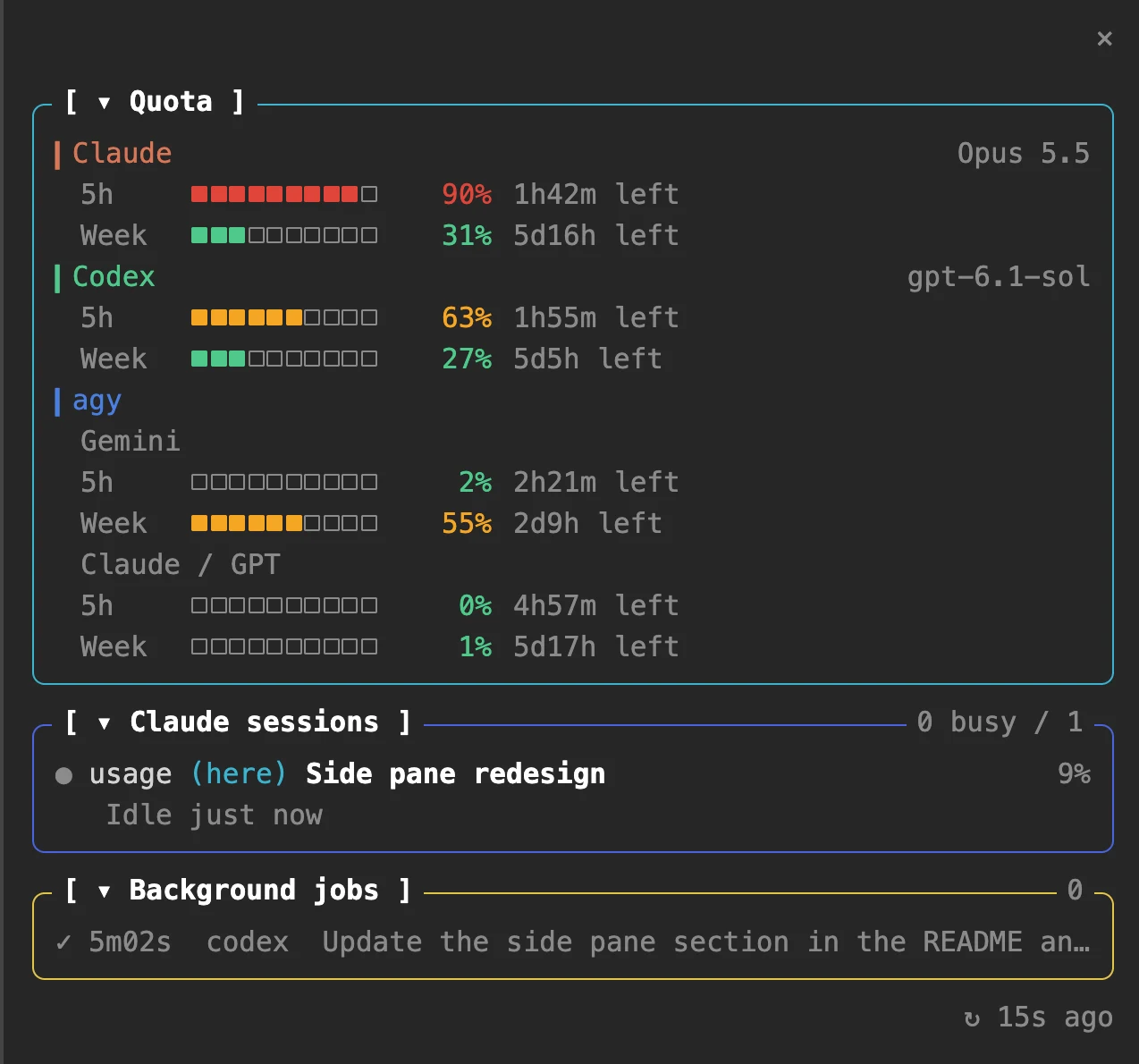
On macOS and Windows, see your quotas, conversations, and background jobs—including subagents started with the Agent tool and their status—inside Claude Code. Conversations waiting for your permission or MCP input are marked in yellow. After enabling the pane, it opens on the right automatically at terminal widths ≥144 columns; otherwise, enter /usage-dash. A notification appears when another Claude conversation finishes or starts waiting for you.
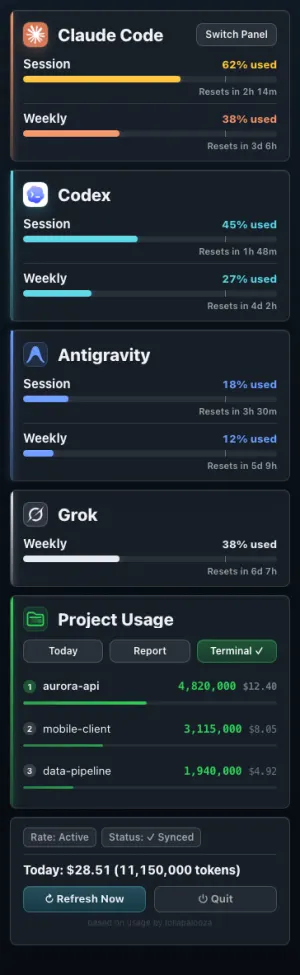
Pick a panel that fits your mood.
16 built-in themes. Switch anytime from ⚙ Settings → Switch Panel.
Install in 10 seconds.
4 ways to get it running. All free, all AGPL-3.0.
Homebrew
One command. brew upgrade keeps it current.
brew install --cask aqua5230/usage/usageDownload .app
Latest usage.app.zip from GitHub Releases. Unzip, then drag to /Applications.
System tray
Latest usage-windows.zip from GitHub Releases. Unzip and run usage.exe. You can also show a quota label in the taskbar; right-click it to open the tray menu.
uvx (no install)
Terminal interface only, with no menu bar or tray. Works on Linux too; uv brings its own Python.
uvx usage-cliNext step: Claude Code users: after installation, click Set Up Status Line in the menu and restart Claude Code to show quota.
macOS blocked the first launch? Open System Settings → Privacy & Security, scroll down, and click Open Anyway. On macOS 14 or earlier, right-click usage.app → Open instead. Windows showed “Windows protected your PC”? Click More info → Run anyway.